


Unlocking Efficiency: Discover the Must-Have Features of a GPS-Enabled Mobile Time Clock App!
In today's fast-paced business environment, mobile time clock apps have become essential tools for effective workforce management. These applications not only simplify the process of tracking employee hours but also enhance accountability and operational efficiency. One of the standout features of modern mobile time clock apps is GPS capability, which allows for precise tracking of employee locations as they clock in and out. This functionality is crucial for businesses that require an accurate understanding of where their employees are working, ensuring that labor hours are recorded accurately and responsibly. In this article, we will delve into the must-have features of a GPS-enabled mobile time clock app, exploring how they can benefit your organization and transform your timekeeping processes.
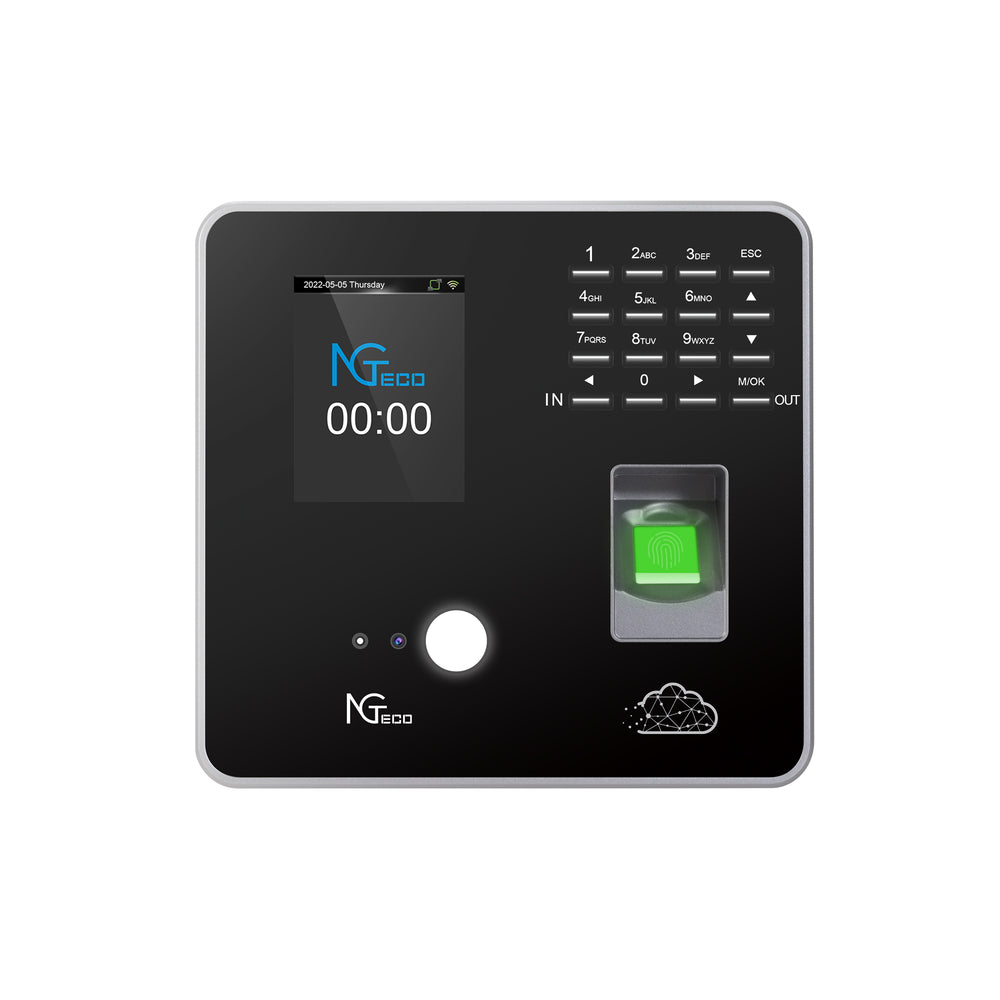
Key Features of GPS-Enabled Mobile Time Clock Apps
When selecting a GPS-enabled mobile time clock app, there are several essential features to consider that can significantly enhance workforce efficiency. These features not only improve the accuracy of employee time tracking but also offer valuable tools for management to oversee their teams effectively. Below, we will explore these features in detail, highlighting their importance in today’s work environment.
1. Real-Time GPS Tracking
Real-time GPS tracking is a cornerstone feature of any mobile time clock app. This functionality allows employers to monitor employee locations as they clock in and out, providing a transparent view of where work is being performed. For instance, a friend of mine who manages a construction crew found this feature invaluable. With employees often working at various job sites, the ability to verify their locations in real-time ensured they were where they needed to be, which not only improved accountability but also enhanced trust within the team. Real-time GPS tracking helps to confirm work hours and locations, reducing the potential for time theft and ensuring compliance with labor regulations.
2. Geofencing Capabilities
Geofencing is another essential feature that restricts clocking in and out to designated areas, enhancing security and compliance. This means that employees can only clock in when they are within a predefined geographic boundary. For businesses that operate in specific locations, this feature can prevent unauthorized clock-ins and help ensure that employees are physically present at the job site. A colleague shared how implementing geofencing allowed their company to streamline operations and reduce the instances of employees clocking in from off-site locations, leading to more accurate time reporting.
3. User-Friendly Interface
A user-friendly interface is crucial for both employees and administrators, as it facilitates ease of use and quick adoption across the workforce. Employees should be able to navigate the app effortlessly, while managers should have access to relevant features without unnecessary complexity. A friend who introduced a mobile time clock app to his team emphasized that a simple, intuitive interface significantly reduced training time and helped everyone feel comfortable using the system. When employees can easily understand how to clock in and out, it increases compliance and minimizes errors.
4. Integration with Payroll Systems
Seamless integration with payroll systems is vital for streamlining administrative tasks and reducing errors in timekeeping and payroll processing. When a mobile time clock app can automatically sync time data with payroll, it minimizes the manual entry of hours and helps avoid discrepancies that can lead to payroll issues. A friend who operates a small business noted that after integrating their time clock app with payroll, they experienced a significant reduction in time spent on payroll calculations, allowing them to focus more on growing their business.
5. Mobile Accessibility
In an increasingly mobile world, having a time clock app that employees can access from their personal devices is essential. This flexibility allows employees to clock in and out from anywhere, which is particularly beneficial for those who work remotely or on varied job sites. One of my friends, who runs a landscaping business, shared how mobile accessibility improved their operations. His team could clock in as they arrived at different locations, making it easier to track hours accurately without relying on paper timesheets.
6. Reporting and Analytics
Robust reporting and analytics features provide valuable insights into employee attendance patterns and productivity metrics. These tools allow managers to analyze data trends, identify issues, and make informed decisions based on real evidence. A former colleague highlighted how their business benefitted from analyzing attendance data to better understand peak hours and optimize workforce scheduling. This not only improved efficiency but also helped in planning for busy periods more effectively.
7. Offline Functionality
Offline functionality is an essential feature that allows employees to clock in and out even in areas with poor internet connectivity. This is particularly relevant for businesses that have employees working in remote locations or areas with limited service. I remember a friend who manages a survey team in rural areas mentioned that offline capabilities saved them from numerous headaches. Employees could clock in when they reached the site, and the app would automatically sync the data once connectivity was restored, ensuring accurate timekeeping without disruption.
Empowering Your Workforce with GPS Technology
In conclusion, selecting the right GPS-enabled mobile time clock app can significantly impact your business's operational efficiency and employee accountability. The key features discussed—real-time GPS tracking, geofencing capabilities, a user-friendly interface, integration with payroll systems, mobile accessibility, robust reporting and analytics, and offline functionality—are essential in creating a comprehensive timekeeping solution. By considering these features, businesses can streamline their timekeeping processes, reduce errors, and ultimately improve overall workforce efficiency. As the modern workplace continues to evolve, embracing technology like a GPS-enabled mobile time clock app will be crucial for staying competitive and fostering a productive work environment.



Comments